About these notes
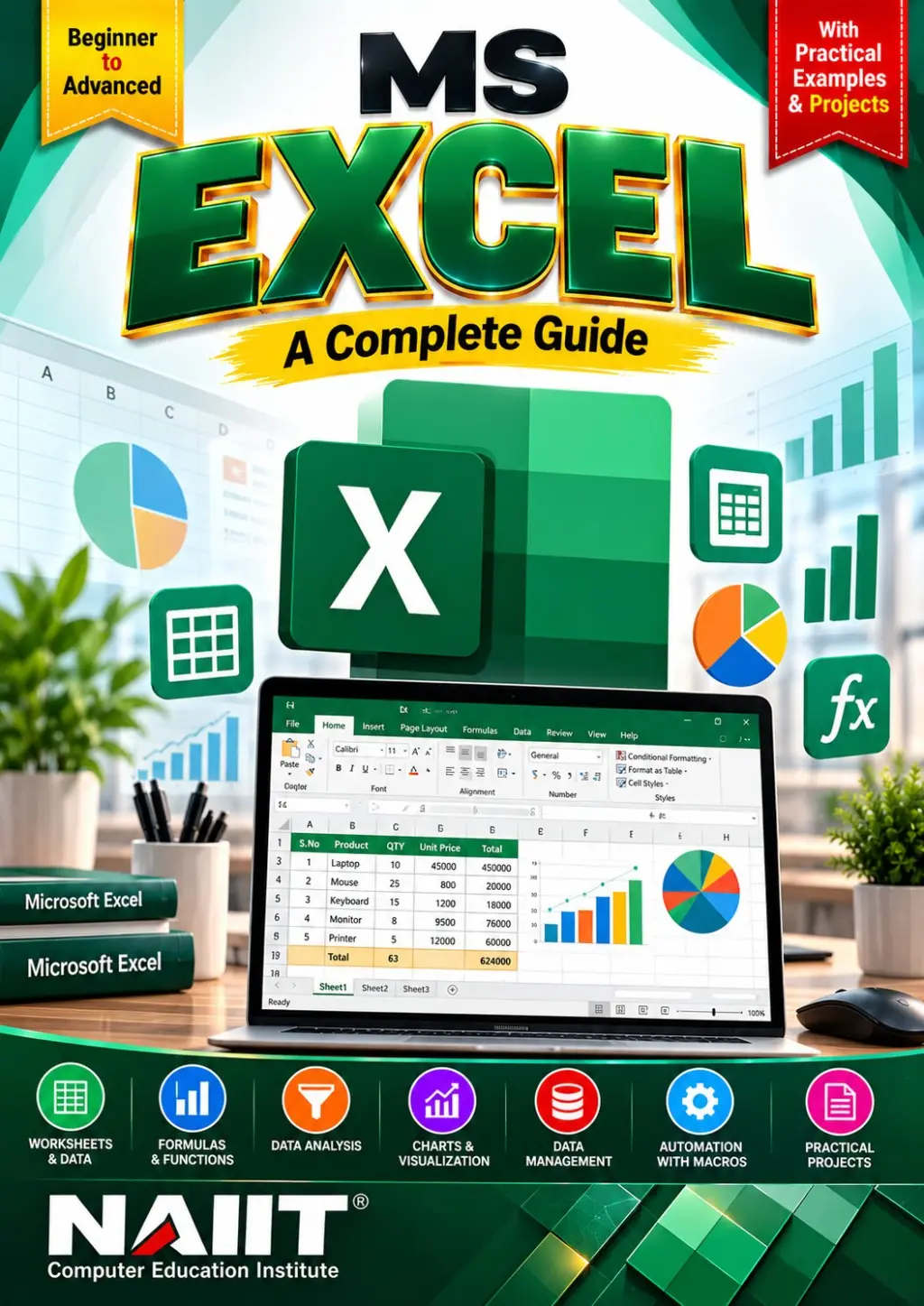
# MS Excel Notes PDF – Basic to Advanced
Learn Microsoft Excel with organised study material designed for beginners, students, computer learners, and office professionals. These MS Excel Notes PDF introduce spreadsheet fundamentals and progress towards advanced features used for calculations, data management, reporting, and analysis.
Microsoft Excel is a widely used spreadsheet application that helps users organise information, perform calculations, analyse datasets, create charts, and prepare professional reports. Developing Excel skills can be useful in education, office administration, accounting, business operations, and data analysis.
What You Can Learn
1. Introduction to MS Excel
Understand Excel, its features, applications, workbook structure, worksheets, rows, columns, cells, and ranges.
2. Workbook and Worksheet Management
Learn how to create, open, save, rename, move, copy, and organise workbooks and worksheets.
3. Data Entry and Cell Formatting
Explore data entry, number formats, fonts, alignment, borders, cell colours, and professional spreadsheet formatting.
4. Basic Formulas and Calculations
Understand formulas, operators, cell references, and calculations for everyday spreadsheet tasks.
5. Essential Excel Functions
Study common functions such as SUM, AVERAGE, MIN, MAX, COUNT, and other functions covered in the notes.
6. Logical and Conditional Functions
Learn relevant functions such as IF, AND, OR, and conditional calculations where included in the material.
7. Text, Date, and Lookup Functions
Explore text manipulation, date calculations, and lookup functions such as VLOOKUP, XLOOKUP, or INDEX and MATCH where covered.
8. Sorting, Filtering, and Data Validation
Understand how to organise records, filter information, remove duplicates, and control data entry using validation features.
9. Charts and Data Visualization
Learn about charts, chart formatting, and presenting spreadsheet data in an easy-to-understand visual format.
10. Conditional Formatting
Explore rules that highlight important values, duplicates, trends, and other data patterns.
11. PivotTables and Data Analysis
Understand how PivotTables and related tools can summarise and analyse larger datasets, where included in the notes.
12. Advanced Excel Features
Study relevant advanced features such as named ranges, advanced formulas, What-If Analysis, dashboards, macros, or automation if they are part of the actual PDF.
13. Printing and Page Setup
Learn about page orientation, margins, print areas, scaling, headers, footers, and preparing worksheets for printing.
14. Practical Examples and Exercises
Practise the Excel techniques and examples provided in the notes to strengthen your spreadsheet skills.
Who Should Buy These MS Excel Notes?
- Students learning computer applications
- Beginners who want to learn Excel from scratch
- Office and administrative professionals
- Accounting and business learners
- Data management and reporting learners
- Anyone who wants to improve spreadsheet productivity
Product Details
- Product Name: MS Excel Notes PDF
- Subject: Microsoft Excel
- Level: Basic to Advanced
- Format: Digital PDF
- Language: English
- Publisher: NAIIT Institute
Why Choose MS Excel Notes PDF?
Study at your own pace with structured material that you can revisit for learning, practice, and revision. Build your understanding of spreadsheet operations, formulas, functions, and data analysis using the explanations and examples provided in the document.
Important: Please check the preview and table of contents before purchasing. The actual product should contain the topics advertised on this page.
Strengthen your Microsoft Excel skills with MS Excel Notes PDF from NAIIT Institute.
What's inside
- WHAT'S INSIDE THE PDF?
- 1. Introduction to MS Excel
- 2. Excel Interface and Workbook Basics
- 3. Workbook and Worksheet Management
- 4. Data Entry and Cell Formatting
- 5. Rows, Columns, Cells, and Ranges
- 6. Basic Formulas and Calculations
- 7. Cell References: Relative, Absolute, and Mixed
- 8. Essential Excel Functions: SUM, AVERAGE, MIN, MAX, COUNT
- 9. Logical Functions: IF, AND, OR
- 10. Text and Date Functions
- 11. Lookup Functions: VLOOKUP, XLOOKUP, INDEX, and MATCH
- 12. Sorting and Filtering Data
- 13. Data Validation and Remove Duplicates
- 14. Conditional Formatting
- 15. Charts and Data Visualization
- 16. Tables and Structured Data
- 17. PivotTables and PivotCharts
- 18. Advanced Formulas and Data Analysis
- 19. What-If Analysis and Goal Seek
- 20. Dashboard Creation, if included
- 21. Macros and Automation, if included
- 22. Page Setup and Printing
- 23. Practical Examples and Exercises, if included
⭐ Ratings & Reviews — MS Excel Notes PDF – Basic to Advanced | Complete Excel Study Material
No ratings yet — be the first to rate this notes.
📚 Want classroom training too? See the classroom course at NAIIT.