About these notes
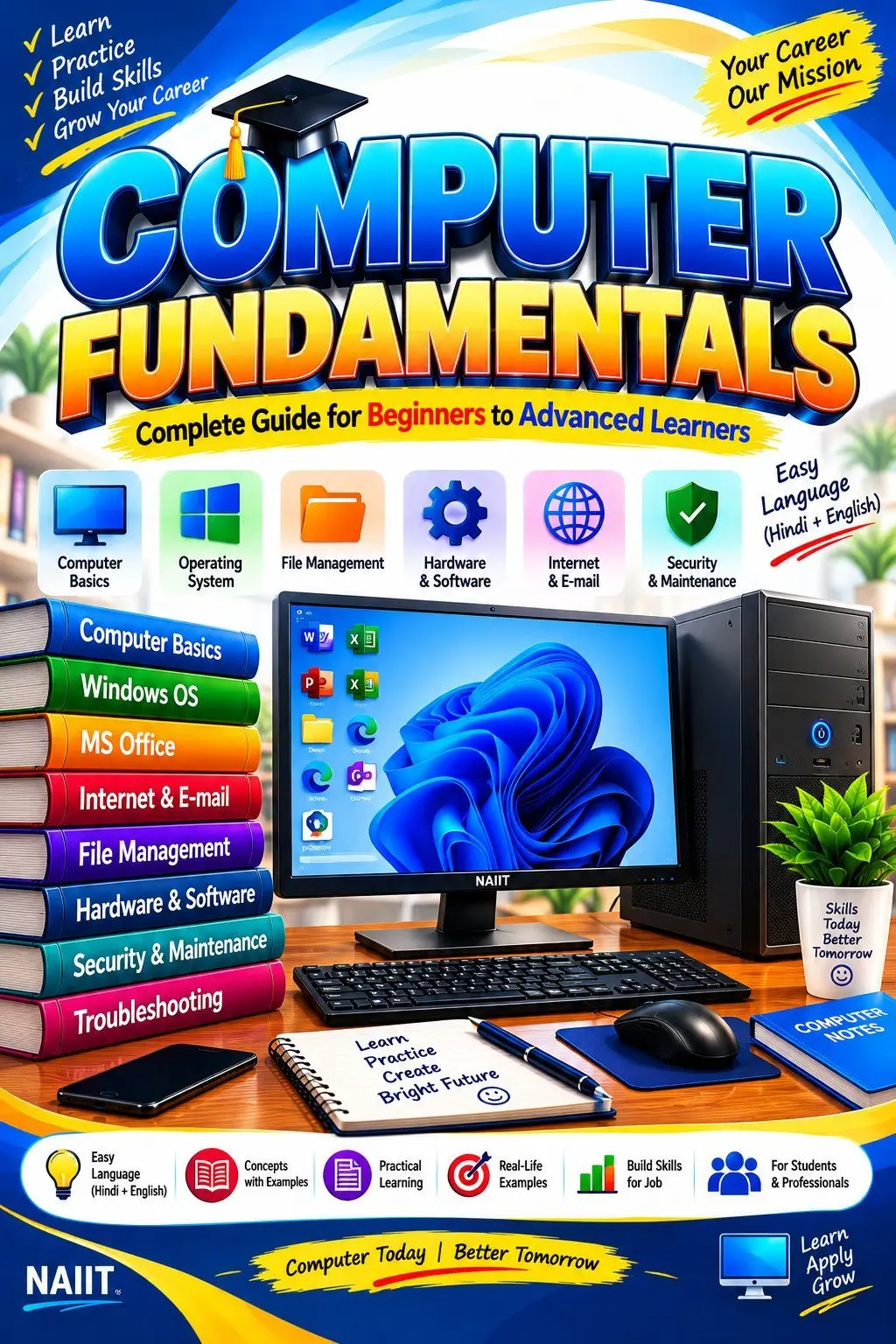
# Computer Fundamentals Notes in Hindi & English
Build a strong foundation in computer knowledge with Computer Fundamentals Notes from NAIIT Institute. These study notes are designed for beginners, school students, and computer institute learners who want to understand computer basics, operating systems, essential applications, and internet usage through simple explanations and practical examples.
Computer Fundamentals Notes – Complete Study Material
Computer fundamentals introduce the basic concepts, components, and functions of a computer system. Learning these concepts helps students understand how computers work and how to use common computer applications confidently in everyday tasks.
Important Topics Covered in These Notes
These Computer Fundamentals Notes cover essential computer concepts and practical applications in a structured format.
- Introduction to Computers: Understand the definition, characteristics, features, uses, and limitations of computers.
- History and Generations of Computers: Learn about the development and evolution of computer technology.
- Types of Computers: Understand desktop computers, laptops, servers, and other computer categories.
- Computer Hardware and Software: Learn about physical components and the programs that operate a computer.
- Input and Output Devices: Understand keyboards, mice, scanners, monitors, printers, and speakers.
- CPU and Computer Memory: Learn about the CPU, Control Unit, ALU, RAM, ROM, cache memory, and storage devices.
- Operating System: Understand the functions of an operating system, desktop interface, file management, folders, settings, and basic Windows operations.
- Notepad: Learn to create, edit, save, and manage simple text files using Notepad.
- WordPad: Understand basic text formatting, fonts, paragraph alignment, and document editing in WordPad, where available.
- MS Paint: Learn to draw, colour, use shapes, work with brushes, erase objects, and save simple images.
- Internet Fundamentals: Understand web browsers, search engines, websites, URLs, downloading, uploading, and safe internet usage.
- Email Basics: Learn about email addresses, composing messages, attachments, sending, and receiving emails.
- Computer Security: Understand passwords, viruses, malware, antivirus software, backups, and online safety.
- File and Folder Management: Practise creating, renaming, copying, moving, and deleting files and folders.
- Basic Troubleshooting: Learn simple methods for identifying and resolving common computer problems.
Practical Computer Learning
These notes help learners practise everyday computer tasks, such as creating text documents, formatting content, drawing simple pictures, organising files, browsing websites, and using email. Practical exercises support understanding and help students become more comfortable with computers.
Benefits for Students and Beginners
This study material explains computer concepts in an easy-to-follow format. It can support classroom learning, revision, practical assignments, and preparation for computer course assessments. Regular practice improves digital literacy and provides a foundation for learning office applications, web designing, and other computer subjects.
Learn with NAIIT Institute
Start your computer learning journey with Computer Fundamentals Notes from NAIIT Institute. Study the concepts, practise the applications, and strengthen your computer skills step by step.
Learn • Practise • Understand • Succeed
*Note: WordPad availability depends on the Windows version. WordPad is no longer included in Windows 11 version 24H2 and later. Study the topics relevant to your installed software and actual course syllabus.*
What's inside
- Computer Fundamentals
- Introduction to Computers
- Characteristics and Applications of Computers
- History and Generations of Computers
- Types of Computers
- Computer Hardware and Software
- Input and Output Devices
- CPU and Its Components
- Computer Memory – RAM, ROM and Cache
- Primary and Secondary Storage Devices
- Operating System Fundamentals
- Windows Desktop and Interface
- File and Folder Management
- Notepad – Text Editing and File Saving
- WordPad – Document Editing and Text Formatting
- MS Paint – Drawing, Shapes and Colouring Tools
- Internet Fundamentals
- Web Browsers and Search Engines
- Websites, URLs and Web Navigation
- Email – Sending, Receiving and Attachments
- Downloading and Uploading Files
- Computer Security and Online Safety
- Basic Computer Troubleshooting
⭐ Ratings & Reviews — Computer Fundamentals Notes in Hindi & English
- ★★★★★ Anoop18 Oct 2026
best notes
📚 Want classroom training too? See the classroom course at NAIIT.